What kcode does
Five stories, from the session grid to the model picker. Every detail is in the reference, generated from the app.
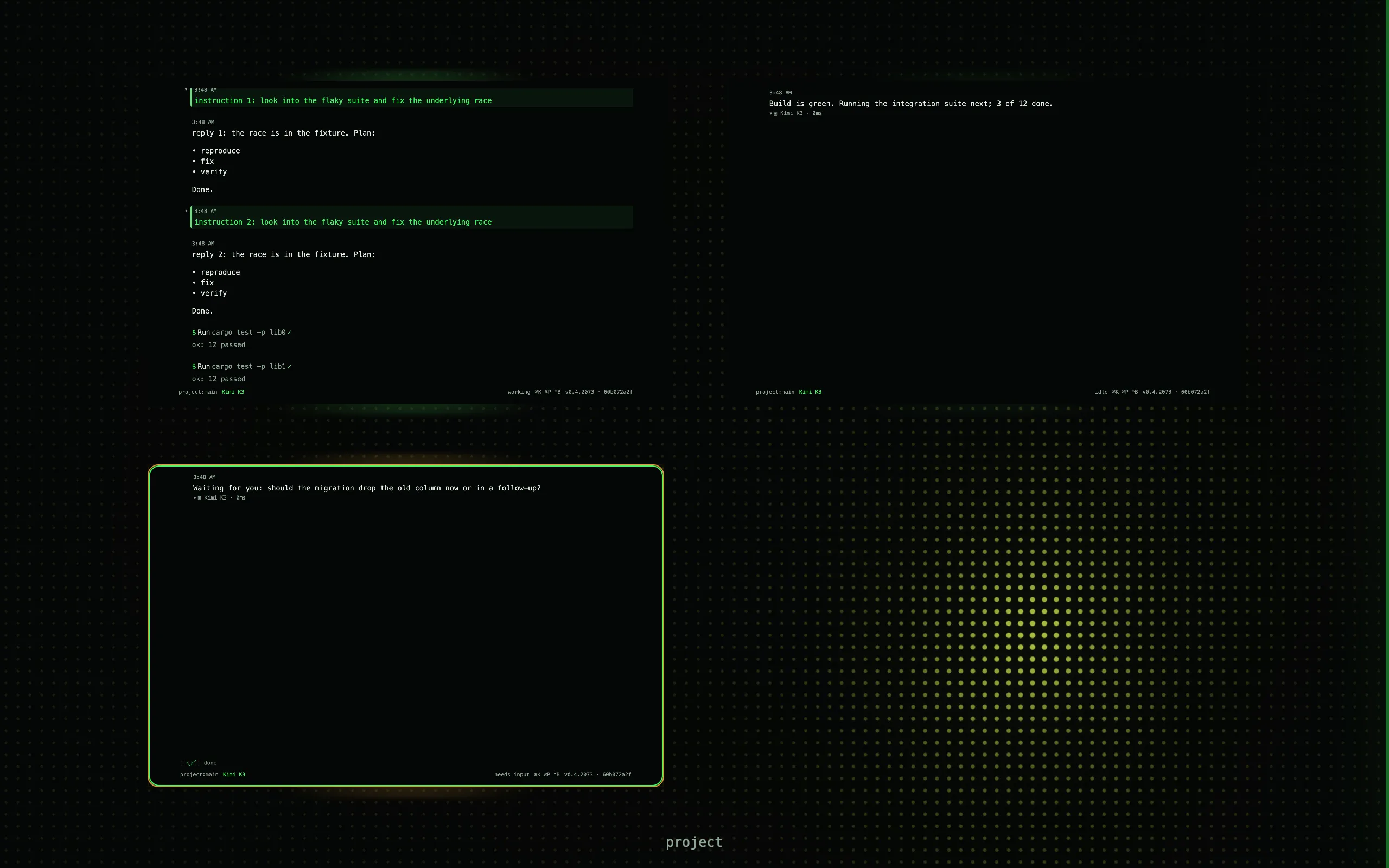
Every session is a live tile.
One window, many agents. The grid is the overview; every tile is a miniature that updates as its agent works.
⌘1to⌘9jump to a session,⌘Mcomes back to the grid,⌘Krecalls one,⌘Popens the palette- Hover to peek, drag to reorder or group, right-click for the tile menu
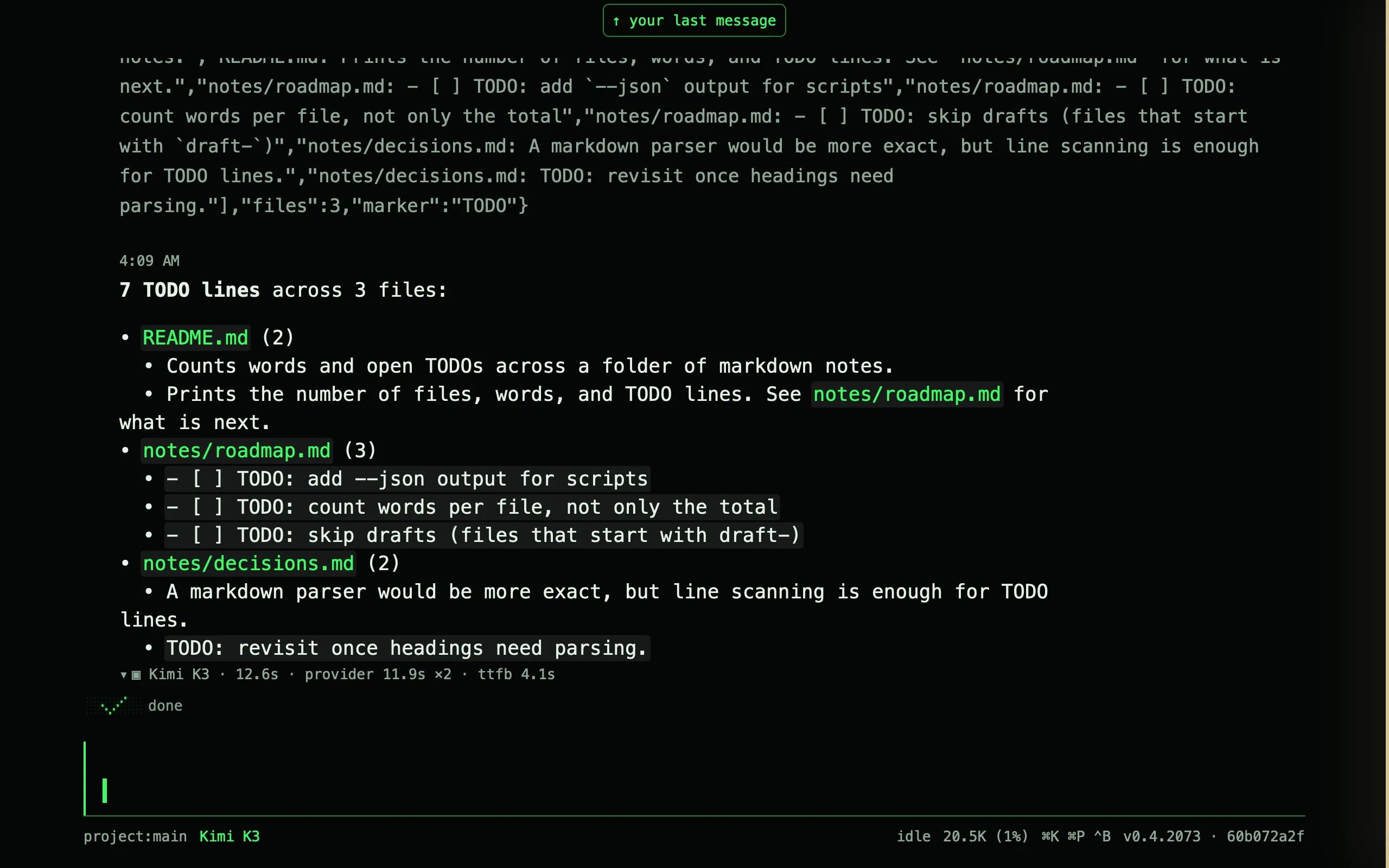
- The transcript draws markdown, code, diffs, LaTeX, images, charts, Mermaid, and file trees
Built for long runs.
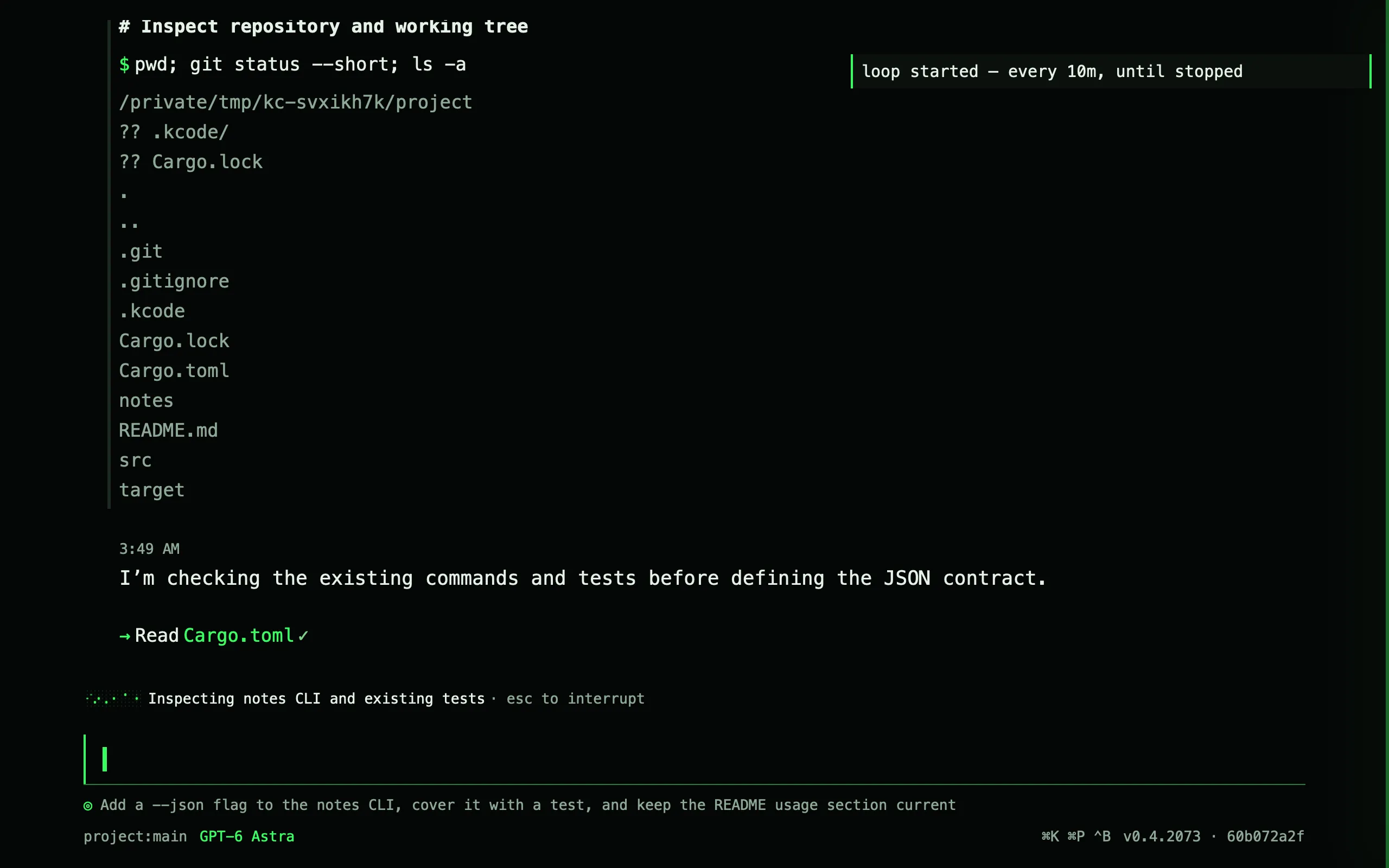
Give a session a goal, let it loop, and pick the model and effort per session.
/goalsets a verifiable objective that survives restarts;/loop 10m,/loop 5x, or/loop 0skeeps the agent at it/modeland/effortper session,/forkto branch a transcript, subagents and worktrees for parallel work- Compaction on a token budget,
/compactwhen you want it now, and an opt-in judge that decides whether a round should continue
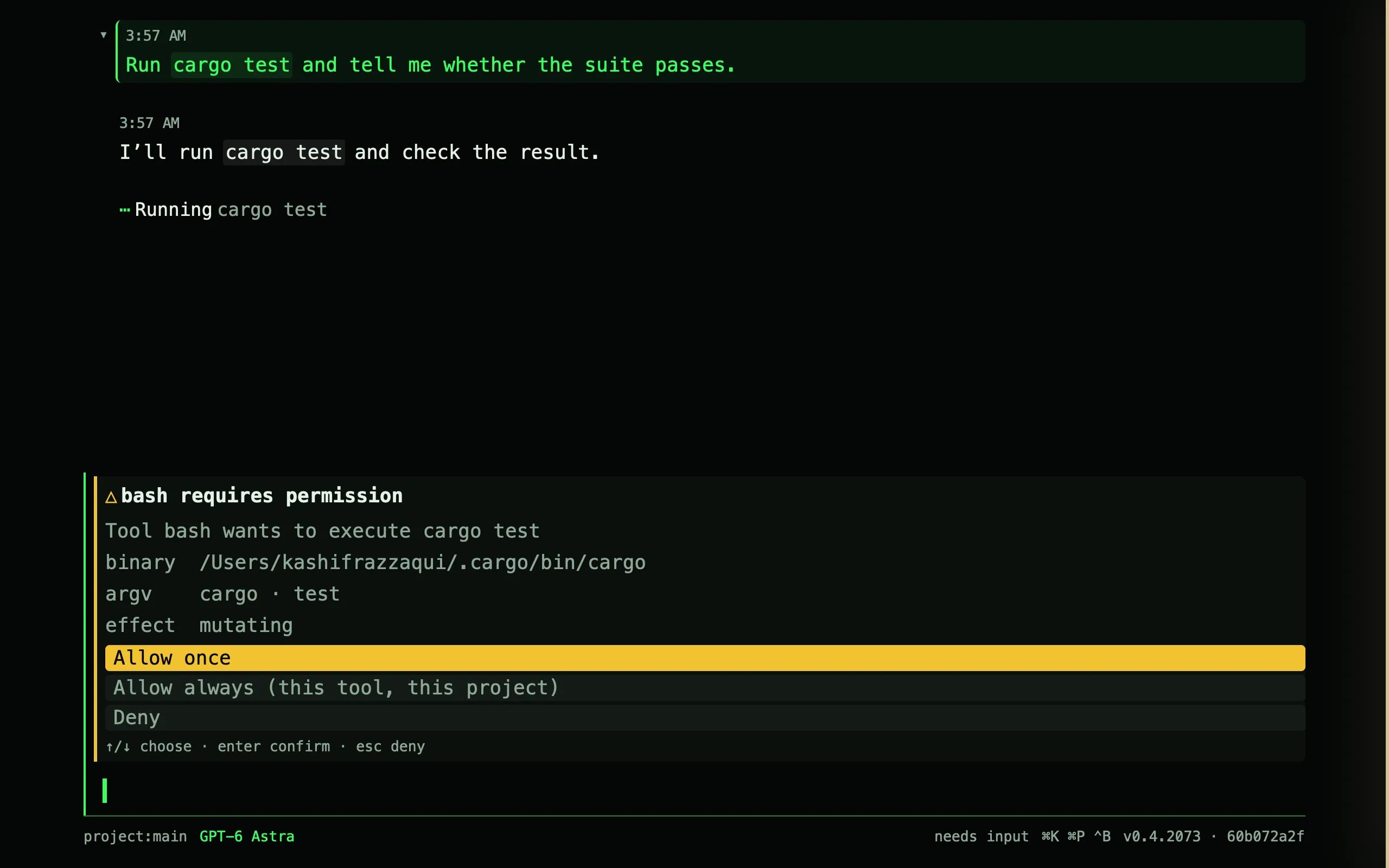
It asks before it crosses a line you drew.
A shell host, files, search, LSP, web, a browser, vision. Four permission modes and rules per tool.
bashwith background processes,fs_edit,apply_patch,grep,lsp,web_fetch, a driven browser,view_imageDefault,Plan,AcceptEdits,Bypass, switched live; rules likebash(npm *)andpath(src/**)- Allow once, allow always for this tool and project, or deny. Untrusted projects contribute no config and no MCP servers
If it has a name, you can change it.
Tools, commands, hooks, cron, and input transforms in Lua. Wasm plugins over a documented ABI. MCP servers from .mcp.json.
- A Lua tool is a function the agent can call, with the file and network access its manifest grants
- Content bundles carry commands, skills, agents, output styles, and themes with no code at all
- Project hooks, webhooks, intercept points, a rebindable keymap, and prompt section overrides
Your providers, your keys.
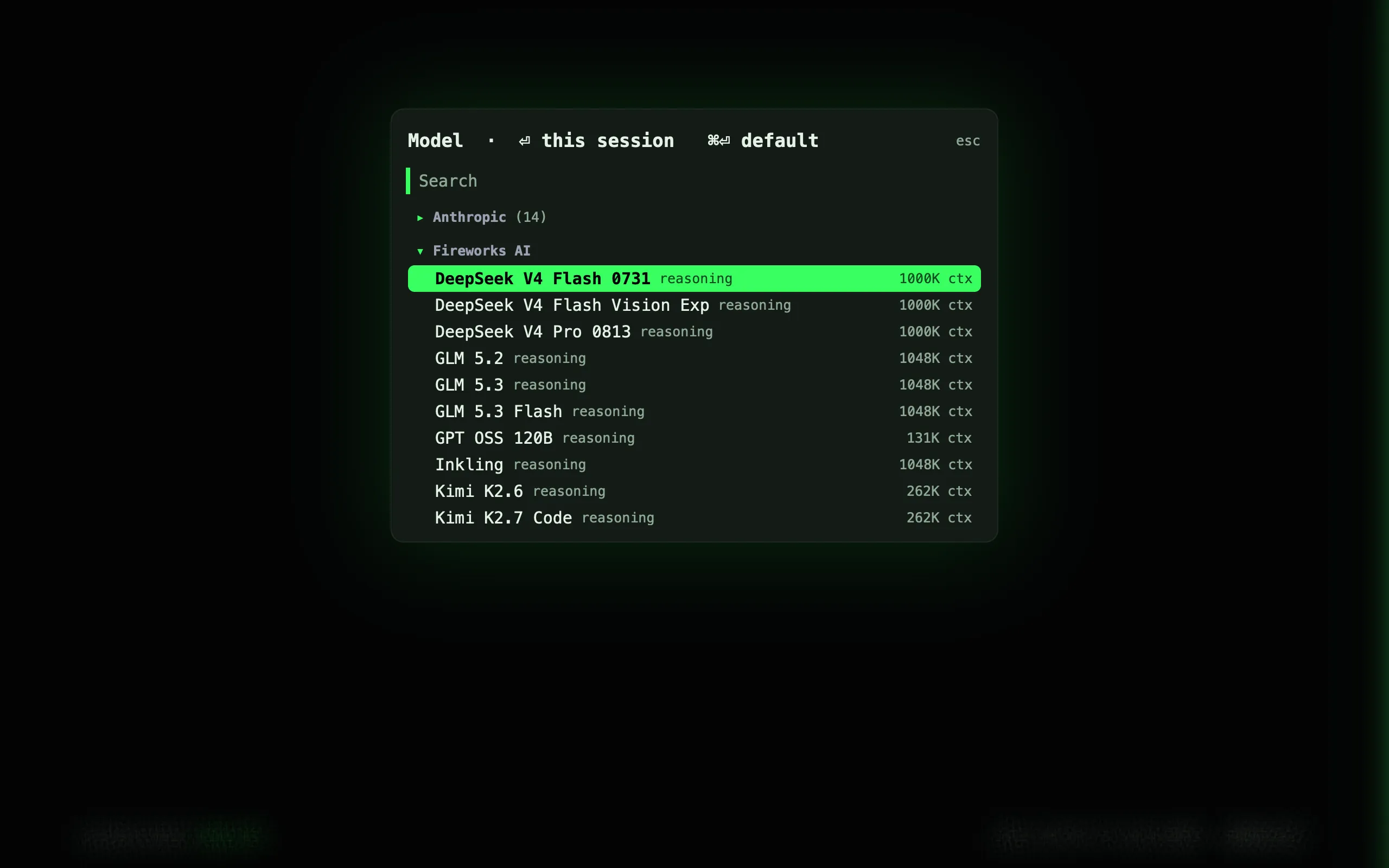
Anthropic, OpenAI, Fireworks, DeepSeek, Kimi, and MiniMax natively; a dozen more through the OpenAI-compatible connector. kcode bundles no model access and takes no cut.
- Pick a model per session or per subagent; the
modelscatalog drives/modelautocomplete providers.<name>.base_urlpoints a provider at a proxy or a self-hosted endpoint- OpenAI also takes a ChatGPT Pro or Plus sign-in, in the browser or by device code, for the models no key can reach
The reference has all of it.
Every command, setting, shortcut, tool, and event, generated from the app so it cannot drift.